





Best 360 Outdoor Security Camera: Protect Your South African Home

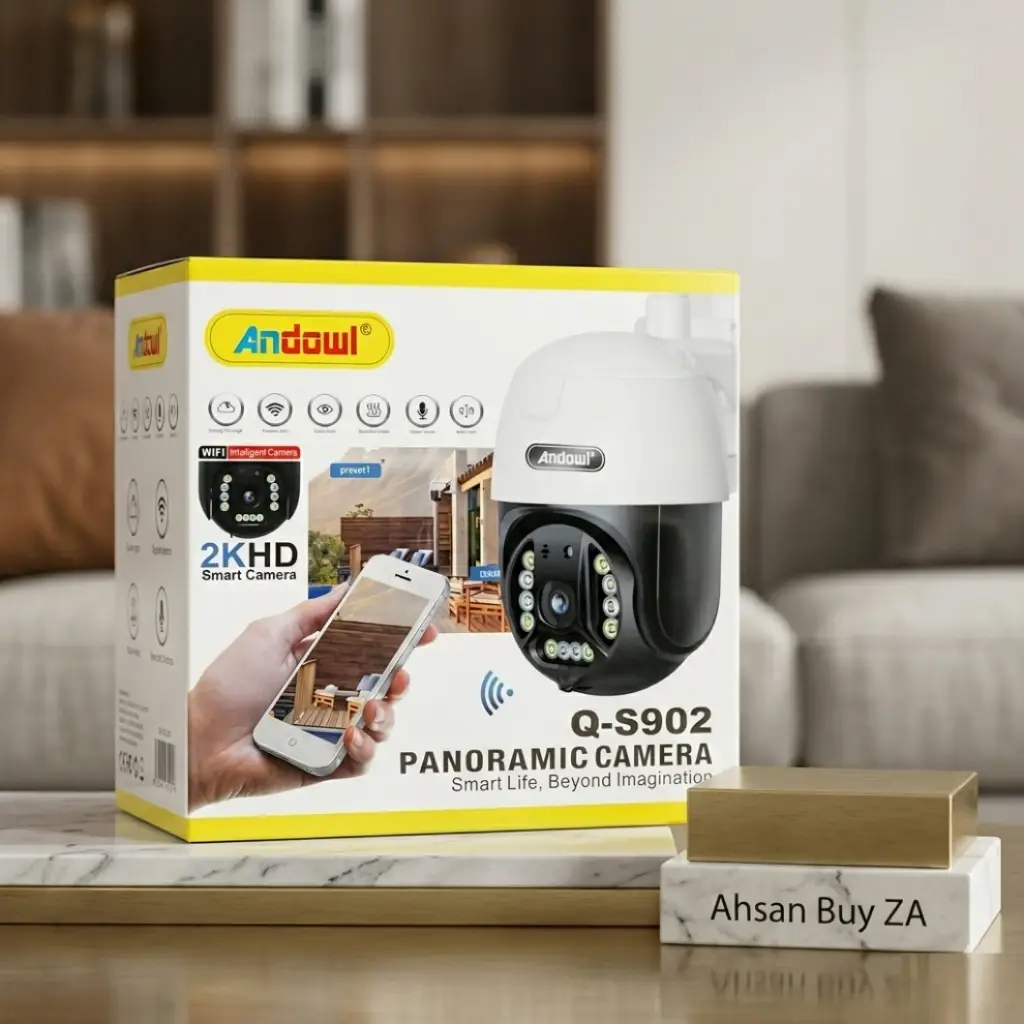
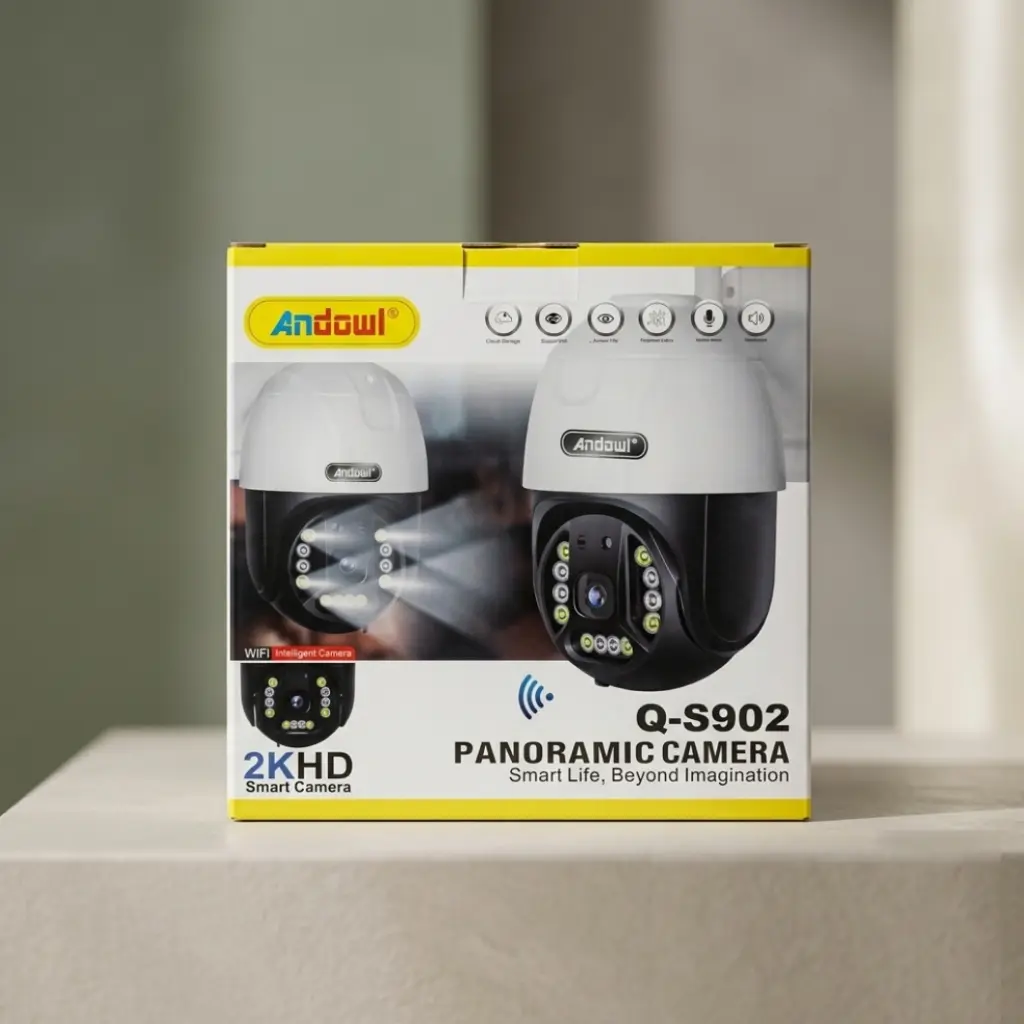
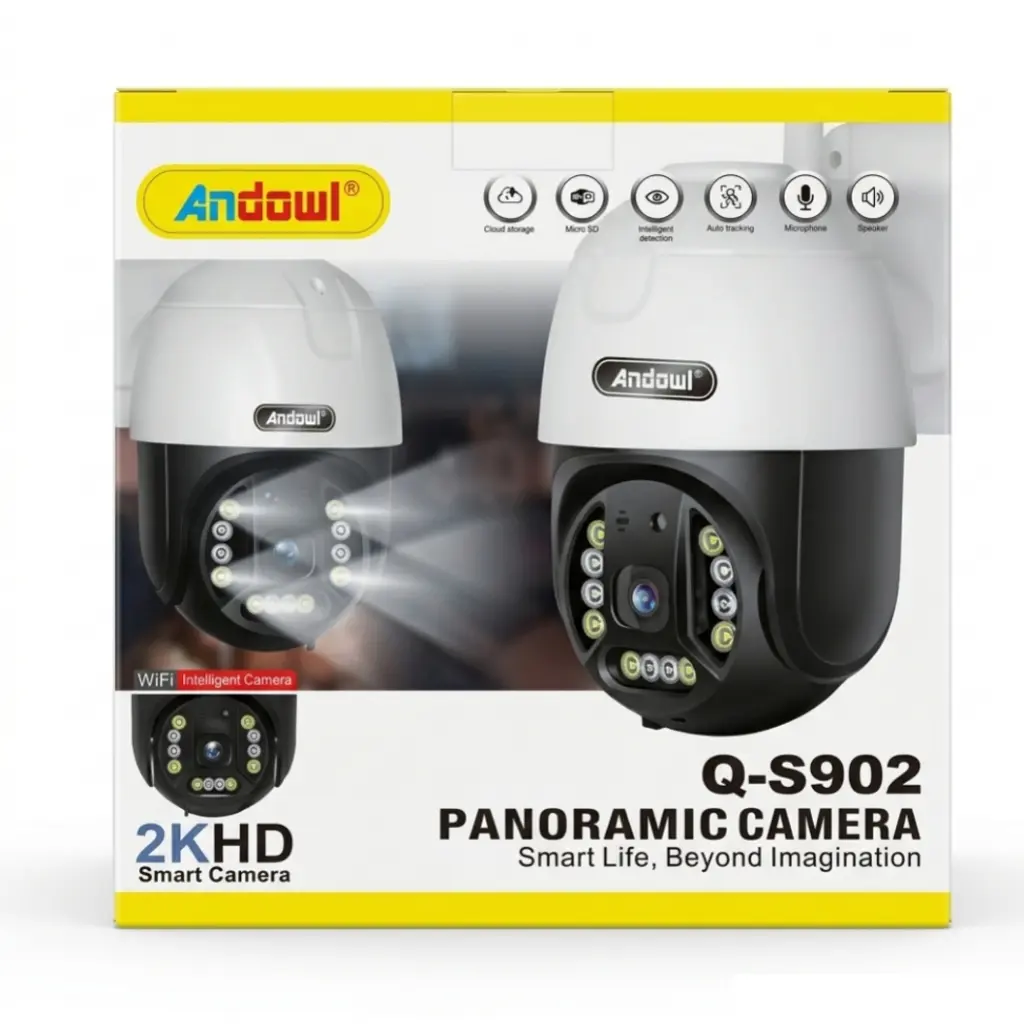
Hello everyone! Muhammad Ahsan here, the proud founder and owner of AhsanBuyZA. If you live here in South Africa, you already know that home and business security is something we simply cannot ignore. Whether you are based in a busy city like Joburg or Cape Town, or running a business down here in George like I do, keeping your property safe is always a top priority. I am constantly testing new tech, and today I want to share my thoughts on what I believe is the best 360 outdoor security camera available right now: the Andowl Q-S902 PTZ Camera.
As a solopreneur who manages everything myself, I need security solutions that are reliable, easy to install, and actually work when I need them to. Let me break down why I highly recommend this camera for round-the-clock protection.
The Ultimate 360° Outdoor Security Solution
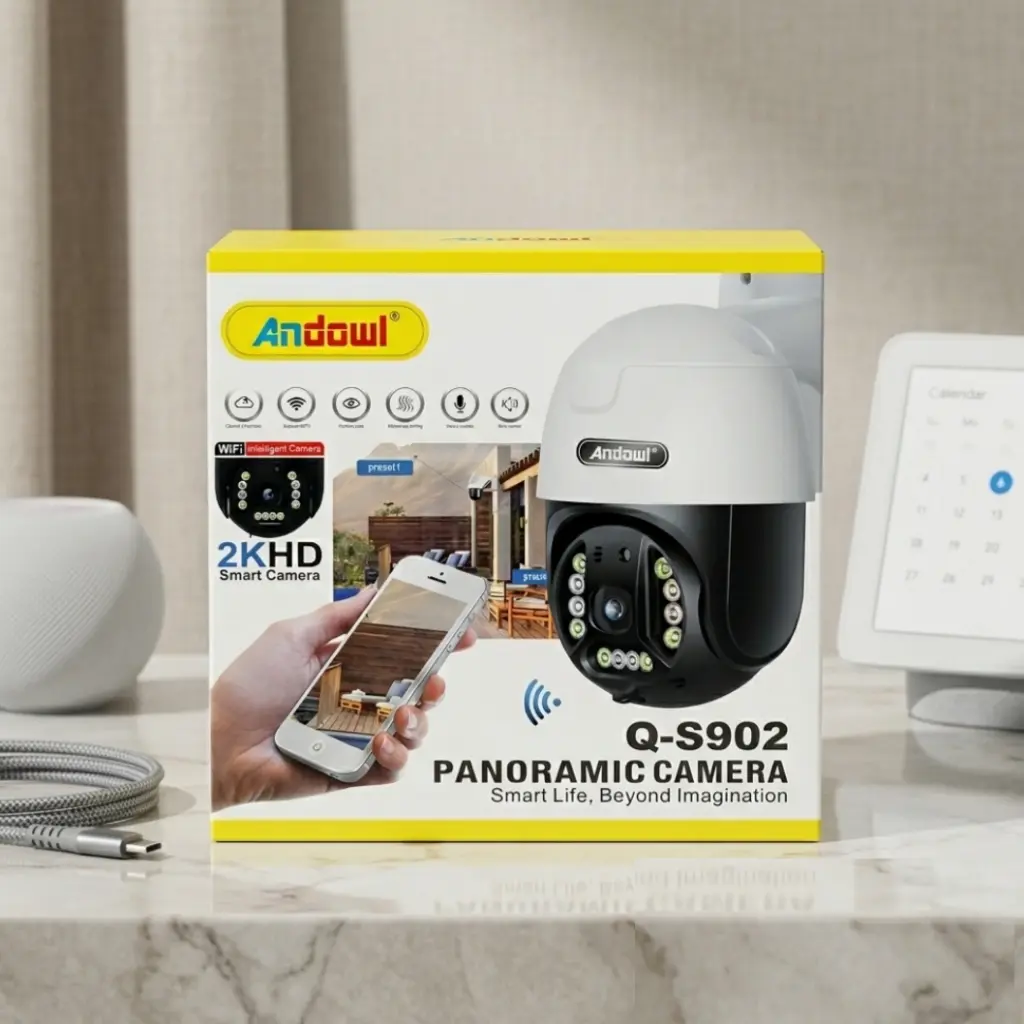
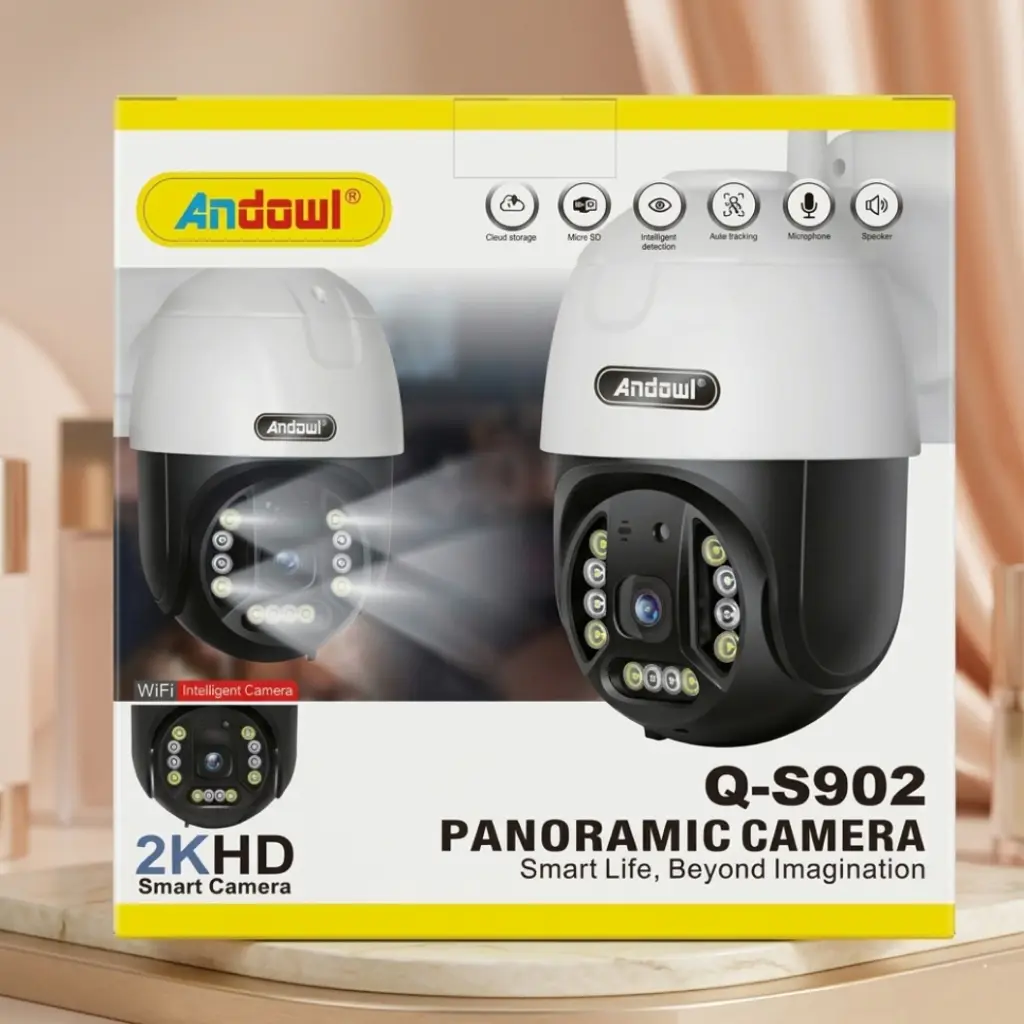
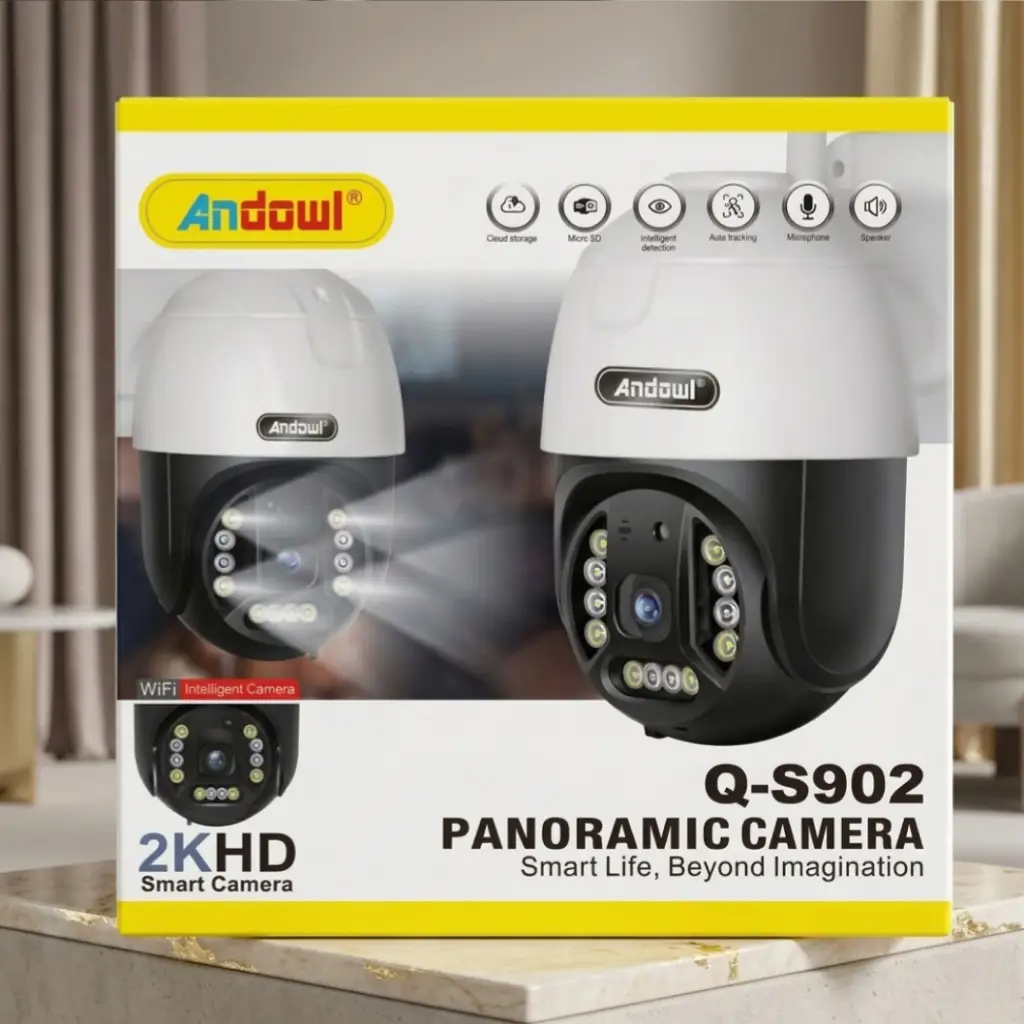
When you are looking for top-tier security, a fixed camera just doesn’t cut it anymore. What I love about the Andowl Q-S902 is its advanced Pan, Tilt, and Zoom (PTZ) capabilities. Designed for both residential homes and commercial spaces, this smart IP camera offers a full 360° panoramic view. This means you can monitor literally every angle of your yard or driveway directly from your phone. It’s the perfect high-quality, wireless CCTV alternative that ensures your property is protected 24/7.
Crystal Clear 2K HD & Night Vision (Perfect for Load Shedding Nights)
One of my biggest concerns—and I know it’s a big one for many South Africans, especially when load shedding hits and the streetlights go dark—is nighttime visibility. This camera captures every detail in stunning 2K HD resolution. Whether it’s bright daylight or pitch-black night, the built-in LEDs and advanced night vision technology provide unmatched clarity. You will never miss a critical moment.
Smart Auto Tracking & Motion Detection
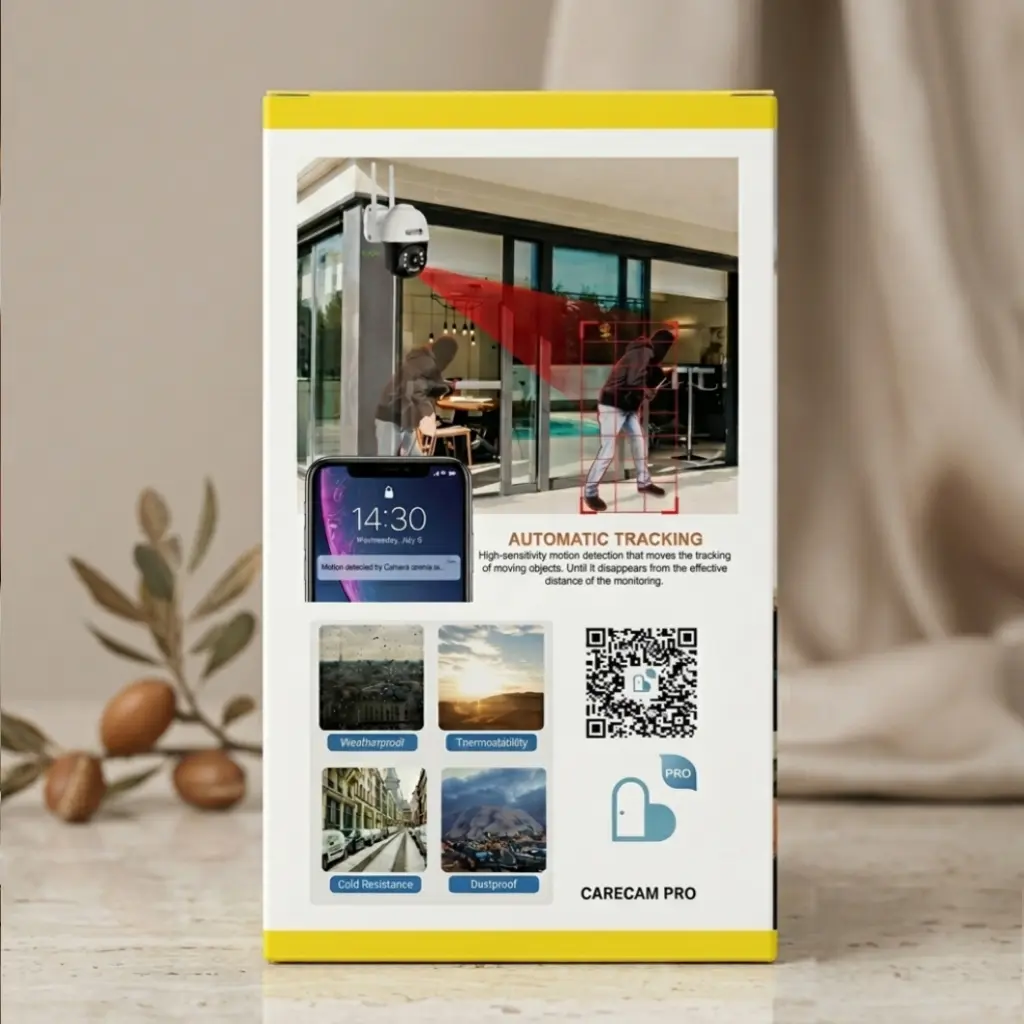
A lot of cameras just sit there and record, but this one actively protects. It is equipped with high-sensitivity intelligent motion detection. If someone steps onto your property, the camera automatically locks onto the moving object and physically tracks them across its field of view. The best part? It sends instant push notifications straight to your device so you can take immediate action, no matter where you are.
Weatherproof Durability for Harsh Environments
Our weather can be unpredictable, from heavy coastal rains to scorching summer heat. I’ve made sure to stock a WiFi security camera that features rugged, weatherproof housing. It is completely dustproof, cold-resistant, and engineered for the great outdoors, guaranteeing you reliable performance all year round.
How to Use and Setup the Andowl Q-S902 PTZ Camera
I don’t have time for complicated tech setups, and I’m sure you don’t either. Setting up your new security camera is incredibly quick and easy. Just follow these simple DIY steps to get it running in minutes:
- Power On: Connect the camera to the provided power adapter and plug it into a standard wall socket.
- Download the App: Head over to the Google Play Store or Apple App Store, search for CareCam Pro, and install it on your smartphone.
- Register: Open the app and quickly create a free account.
- Connect to WiFi: Follow the simple on-screen prompts in the app to connect the camera to your local 2.4GHz WiFi network.
- Mount the Device: Use the included mounting hardware to securely attach the camera to your desired outdoor wall, pillar, or roof overhang.
- Start Monitoring: Open the app to view the live feed, rotate the camera remotely (Pan/Tilt), and customize your motion detection alerts.
Where to Buy & Stay Connected
If you are ready to secure your home with the best 360 outdoor security camera, you don’t need to look any further. You can grab this exact model directly from my online store right now. 👉 Buy it here: Ahsanbuyza.com
Let’s stay connected! I’m always sharing new arrivals and behind-the-scenes looks at running the business. Come join the community and follow my Facebook page: 👉 Follow Ahsan Buy Za:
Product Specifications
For the tech lovers out there, here is a quick breakdown of exactly what this camera packs:
| Feature | Specification Details |
|---|---|
| Product Model | Andowl Q-S902 |
| Camera Resolution | 2K HD (High Definition) |
| Viewing Angle | 360° Panoramic View |
| PTZ Control | Yes (Pan, Tilt, Zoom via App) |
| App Compatibility | CareCam Pro (iOS & Android) |
| Night Vision | Yes (Built-in LEDs) |
| Motion Detection | Yes, with Auto-Tracking |
| Audio Setup | Two-Way Audio (Built-in Mic & Speaker) |
| Weather Resistance | Yes (Waterproof, Dustproof, Cold Resistant) |
| Storage Options | Micro SD Card Slot & Cloud Storage |
| Connectivity | Wireless (WiFi – 2.4GHz) |
Frequently Asked Questions (FAQs)
1: What app is required to use the Andowl Q-S902 PTZ Camera?
You just need to download the CareCam Pro app, which is completely free and available for both Android and Apple devices.
2: Can I install this camera outdoors in the rain?
Absolutely! It has a rugged, weatherproof housing designed to withstand rain, dust, and harsh weather conditions without any issues.
3: Does the camera work in the dark?
Yes, it does. It features built-in LEDs and advanced night vision technology, giving you a crystal-clear 2K HD picture even in pitch black.
4: What does the “Auto-Tracking” feature do?
When the camera detects movement (like a person walking into your yard), the lens will actually move to follow that object automatically, keeping them in frame while sending an alert to your phone.
5: How do I save and view the recorded footage?
You have two easy options! You can either insert a Micro SD card directly into the camera for local storage, or you can use the CareCam Pro app to subscribe to secure Cloud Storage. You can view all your saved footage right from your phone.
